
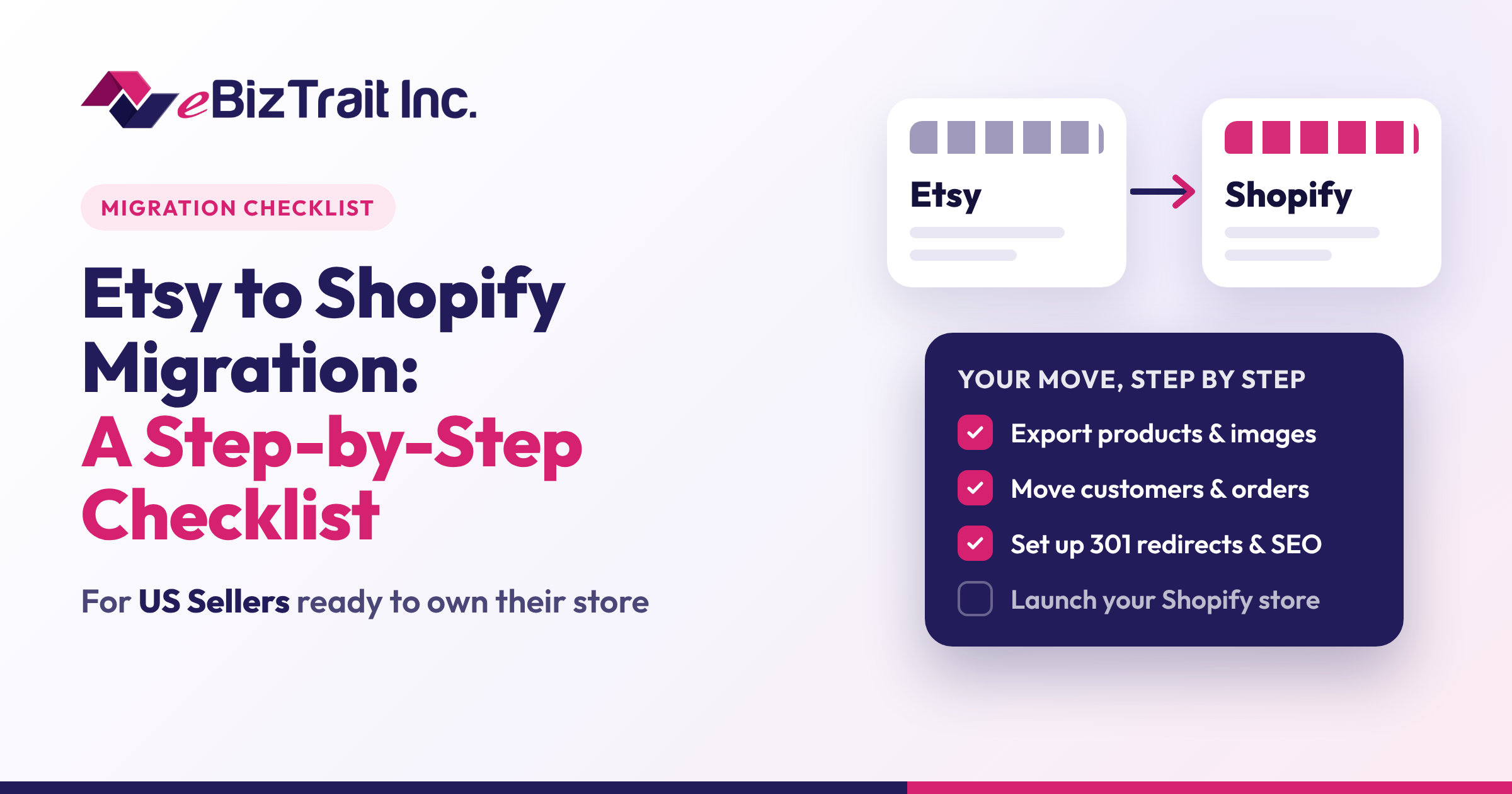
Etsy is an amazing platform to kick-start your creative business because it helps you reach out to millions of potential customers while providing ease to open a shop in just a few hours. However, as your business starts growing, many sellers begin feeling restricted due to marketplace fees, lack of branding options, and the fact that you do not own the customer experience but Etsy does.
This is precisely the reason that a large number of US sellers are now choosing to migrate to their own Shopify store. Migrating from Etsy to Shopify provides you with a branded storefront and total control over your customer experience and growth process. The trick lies in migrating effectively without losing any data along the way. Use this migration checklist to ensure smooth transition.
Step 1: Decide Whether to Leave Etsy or Run Both
Before you export any listings, you need to figure out where Etsy falls in your plans for the future. Many sellers decide to close down their Etsy shop once they have successfully migrated to Shopify. Other sellers prefer to keep both shops open so that they will still be able to benefit from traffic coming through Etsy.
If you plan on selling on both platforms, there is a feature in Shopify known as Marketplace Connect, which can link your Etsy account to your Shopify account.
Step 2: Take Stock of Your Etsy Shop
Next, make a list of all the items in your Etsy store. This will help you identify any gaps before they become issues. Your list should include:
- Active products including product titles, product descriptions, prices, tags, materials used, and SKUs
- Product images and videos
- Product variations, including different sizes, colors, and customization options
- Inactive products, products that are out of stock, or products in draft mode that you still wish to sell
- Store policies, FAQs, and About Store page
- Customer reviews that you would like to display
This list will come in handy since you will refer back to it when checking to see if all the information made it into Shopify.
Step 3: Export Your Data From Etsy
It is possible to download your listings information in CSV file format from the Shop Manager tab in Etsy at Settings > Options > Download Data. It is also possible to download your sold orders history and statements in CSV file format.
One thing you must be aware of: Etsy listing file contains only those listings which are currently live on Etsy. In case you have some sold out or inactive listings that you want to sell through Shopify, you might have to list them again on Etsy for export.
Step 4: Set Up Your Shopify Store
Now that you have your data in place, you can begin building your dream house. Start by selecting a Shopify plan for your business and follow these steps:
- Summon a theme for your brand and its products
- Upload your logo and select your brand colors and fonts
- Craft your navigation and create the most necessary pages like “About”, “Contact”, “Shipping”, and “Returns”
- Customize your domain name, e.g., yourbrand.com
The Shopify site will serve as the representation of your brand, so you should put efforts into making it look professional and elegant.
Step 5: Import Your Products
There are different options available with Shopify to transfer your Etsy items. You can either upload your Etsy CSV file into Shopify via Products > Import, make use of a migration tool from Shopify App Store, or upload products one by one manually.
When you have products with variants, you should pay special attention to them. As Shopify says, it is likely that Etsy file will not transfer variants properly, and you should format the file according to the option names, values, and variants per one row. Check all imported products for correct pricing, weight, quantity, images, and description.
Step 6: Plan for Customers, Orders, and Reviews
Products do not make up everything that is going to happen with your Etsy account. Shopify itself says that there are third-party apps available to transfer information about customers from Etsy such as reviews, order history, and personal data, which is not included in the products import process.
Etsy reviews play a huge role when opening a new store, as they help to establish credibility in the mind of first-time visitors. It is best to select an application that would allow you to publish your Etsy reviews on the product pages in your Shopify store.
Step 7: Set Up Payments, Shipping, and Taxes
The bulk of the check-out process will be done for you in Etsy. However, with Shopify, you have the option to set this up yourself, giving you more freedom. Set Up:
- Your payment options, which include credit card and digital wallet payments
- Your shipping options for US customers
- The sales taxes for the states that you need to pay for
- The email notifications about orders with your own branding
Since the sales taxes are different for each state, it would be wise to confirm your settings with an accountant.
Step 8: Optimize Your Store for SEO
In Etsy, you will be found by buyers through the Etsy search engine. In Shopify, Google will become one of your major sources of traffic. Ensure that each product and collection page is titled appropriately, described clearly, and provided with meta titles and meta descriptions. Include descriptive alt text for your images and group your products into collections.
Since you cannot own the Etsy domain name, you cannot use redirection to redirect your Etsy listing links to the Shopify ones. You need to ensure that the links within your social media pages, email signature, and business cards point to your new store.
Step 9: Test Everything Before Launch
Before opening up your store, do a test run just like a customer would. This involves placing a test order, ensuring that your shipping costs are correct, and that order emails get to you. Check your store from mobile devices, tablets, and the computer to ensure that all pages look good and load fast.
Step 10: Launch and Spread the Word
Once all of this is confirmed, it’s time for the celebration – the launch of your store! Make the announcement on your social networks, send an announcement to your email subscribers, and add a card with your web address to every order you make. Analyze the results of your work in the next few weeks to understand how people find your store and what can be improved.
Why Work With an Etsy to Shopify Migration Company?
Self-help migration is possible for small stores; however, it is a time-consuming process, and even small errors in variants, images, or SEO will affect your sales. With a professional Etsy to Shopify migration agency, all the technical processes are left to professionals while you concentrate on production and sales.
eBizTrait Inc is a Shopify development company located in California, USA. We offer Etsy to Shopify migration services for US customers. Our specialists migrate all your products, images, and content, create your theme and configure your store, optimize your pages for search and check everything before launch.
Your Next Step
Transitioning from Etsy to Shopify is one of the best methods to create a brand that belongs completely to you. Using a comprehensive checklist and the correct partner, your Etsy to Shopify transition process can be simple and hassle-free. Are you ready to make the shift? Get in touch with eBizTrait Inc to know more about our Etsy to Shopify transition services.
FAQs
1. What is an Etsy to Shopify migration?
An Etsy to Shopify migration is the process of moving your products, images, and store content from your Etsy shop to your own Shopify store, giving you a branded storefront and more control over your business.
2. How long does an Etsy to Shopify migration take?
It depends on the size of your catalog and how much customization you need. A small shop can move quickly, while larger catalogs with many variations take longer. eBizTrait Inc provides a timeline after reviewing your shop.
3. Can I move all my Etsy listings to Shopify?
Yes. You can export your active listings from Etsy as a CSV file and import them into Shopify. Inactive or sold-out listings are not included in Etsy’s export, so they may need to be relisted temporarily or added manually.
4. Can I transfer my Etsy reviews to Shopify?
Etsy reviews are not part of a standard product import, but third-party apps from the Shopify App Store can import and display Etsy reviews on your Shopify product pages.
5. Will I lose my Etsy customers after switching?
Not if you plan ahead. Update your social profiles, include your new web address in every order, and announce your launch. Review Etsy’s seller policies before contacting past buyers about your new store.
6. Can I keep my Etsy shop after moving to Shopify?
Yes. Many sellers run both. Shopify’s Marketplace Connect app can sync listings, orders, and inventory between Shopify and Etsy from one admin.
7. What do Etsy to Shopify migration services include?
Etsy to Shopify migration services from eBizTrait Inc include product and image migration, theme setup and customization, store configuration, on-page SEO, and full testing before launch.
8. Why should I hire an Etsy to Shopify migration company?
An experienced Etsy to Shopify migration company helps you avoid common mistakes with variants, images, and SEO, saves you time, and delivers a professional store that is ready to sell from day one.
9. Will my Shopify store rank on Google?
Shopify stores can rank well on Google when they are properly optimized. eBizTrait Inc optimizes product titles, descriptions, metadata, and image alt text to help your new store get found.
10. Why choose eBizTrait Inc for my Etsy to Shopify migration?
eBizTrait Inc is a California-based Shopify development company that handles your migration from start to finish, including design, SEO, testing, and ongoing support after launch.
