
The hard part is choosing to move on once the platform has proven its inadequacies. In many cases, the next step is clear after you have reached the limitations of your platform: It will be time to make the switch to Shopify. However, what happens when you do it and do not want to lose your products, your customers, or your search engine rankings?
This is where professional migration services come into play. However, depending on the provider, “migration” might refer to something entirely different. While some companies simply transfer product information between two platforms, others do the entire migration process, from transferring design, through managing redirects, to providing support after launch.
What Are Wix to Shopify Migration Services?
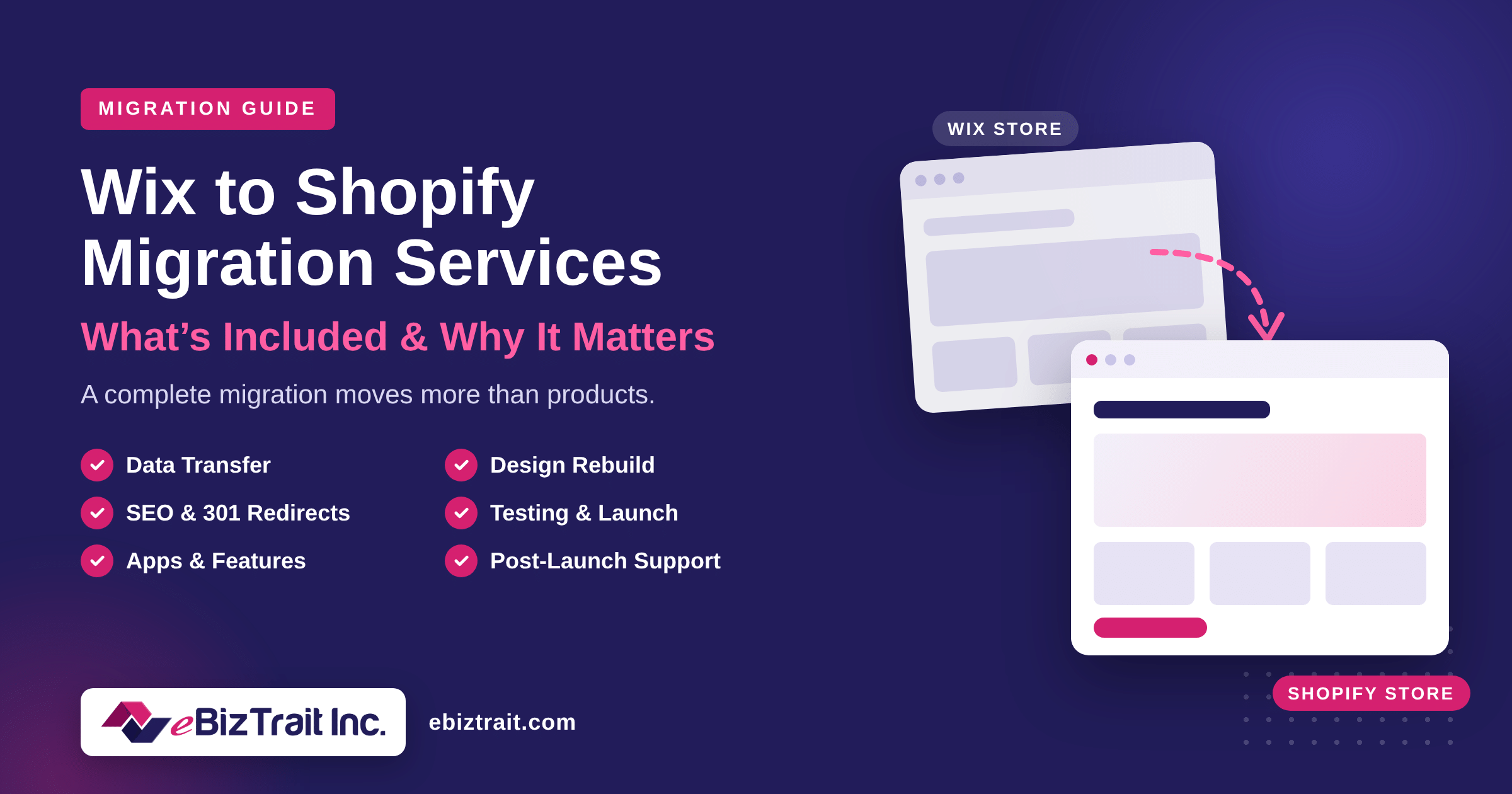
Wix to Shopify migration services encompass all aspects of switching from one existing platform to the other. Such services include transferring of all store data, rebuilding of the design, recreation of the features required by your clients, protection of your SEO and testing before launching the store.
You should think of such service not as of mere data transfer but as of moving of all the necessary components to their right place, ensuring that everything functions properly and that your loyal customers are able to find you.
What Data Gets Moved During a Wix to Shopify Migration?
In an effective migration from Wix to Shopify, the critical data that runs your business will be migrated to:
- Products: product title, description, price, SKU, variants, inventory, and images.
- Categories: your Wix categories will be re-mapped into Shopify Collections with navigations.
- Customers: customer name, email, phone number, and address.
- Past orders: to maintain the history of all your orders.
- Content: blog posts and website pages.
- SEO elements: meta title, meta descriptions, and alt-text for images.
Some elements, however, can’t be transferred due to security reasons. These include passwords and saved credit card details of your customers. The right partner will have a plan in place for that before hand to prevent you from being surprised down the line.
Does Your Wix Design Carry Over to Shopify?
No, much to the surprise of many store owners. It’s not possible to transfer templates to Shopify, so your store will have to be rebuilt using the Shopify template.
What’s great is that it’s really a wonderful chance. You will either be able to replicate the look you already have, or take advantage of the change to finally improve the layout that was driving you crazy all this time. At any rate, it’s essential that your store be built mobile-optimized and customer-centric.
What Happens to Your Wix Apps and Custom Features?
A great number of Wix shops use apps or custom codes for bookings, customer loyalty programs, subscriptions, or unique products and other services. All of those cannot be moved automatically. Finding out which services you need and then duplicating them on Shopify is part of the total migration process using the appropriate Shopify app or building a custom solution in case no appropriate app exists. It is one of the most frequent mistakes that make a new store look “broken” for returning visitors, while all products were successfully moved.
How Do Migration Services Protect Your SEO Rankings?
This is where the difference really makes itself known and where do-it-yourself transitions often fall flat. Wix and Shopify each employ unique URL paths. For example, the old URL for a product page on Wix will be /product-page/, whereas in Shopify, it will be /products/. The same is true of blog posts, which transition from /post/ to /blogs/.
Without a redirect of the old URLs, all of those links that Google has stored, as well as the backlinks from other sites pointing to you, now lead to an error page. You could quickly lose rankings and traffic.
The correct service will take each important old URL, match it to the new one with 301 redirects, transfer your titles and descriptions, keep your content safe, and watch over indexing post-transition. This way, search engines know your store has moved, not vanished.
What Does Testing and Launch Look Like?
Everything will be compared with your Wix store before the launch of the store. This will include comparing the number of products and their variants, prices, and images, and checking the customer and order information as well as checking the checkout and forms. Payment gateways and sales tax configurations will also be configured and tested.
Your Wix store needs to remain live during the entire process and continue taking orders. The connection of your domain happens only once your Shopify store is approved.
Is Support Included After the Store Goes Live?
It’s supposed to be. The initial period after your launch is where the small problems will surface themselves, whether it’s something like a missing redirect, or a need for changes in settings within an app, or even a problem with how some pages load on one particular device. Post-launch support gives you someone who knows your site to address those problems immediately.
Why Does a Complete Migration Matter More Than a Quick One?
However, Shopify provides a free migration application for the Store Migration that will allow importing products and customers from Wix, and third-party apps will enable to migrate other types of data. This is sufficient for a very small shop.
However, automation tools migrate only the data, but they do not redesign your shop, remake your custom elements, set redirects, test the checkout process, or assist you post-migration. It is exactly what determines whether your new shop continues where the old one left off or starts from scratch with Google and your customers.
How Do You Choose the Right Wix to Shopify Migration Company?
In order to evaluate your options, you need to ask some straight questions, for instance:
- Do you carry out a full audit of my existing Wix store?
- Are you responsible for design, data, applications, and SEO, or data only?
- How do you create and test 301 redirects?
- Is my Wix store going to remain live during the transition?
- What kind of post-launch support do you provide?
Any decent Wix to Shopify migration firm will be ready to provide you with clear answers on all these issues.
Why Choose eBizTrait Inc for Your Migration?
We are an American company providing Shopify development and SEO services under the name eBizTrait Inc, and the migration process we use is based on the stages described above. We begin with conducting a comprehensive review of your current Wix store, then proceed to designing your Shopify store, transferring data, performing the redirect mapping, and testing the whole thing.
Being an agency for migration from Wix to Shopify that pays particular attention to SEO, we take care of all the things that will help you keep the traffic and sales going.
Ready to Make the Move?
A well-executed migration process will be perceived as a step-up process and not a resetting one. When you are aware of all the services that are involved, you will be in a position to pick a partner that can cater for the entire process. For more information about your migration process, contact eBizTrait Inc.
FAQs
1. What is Shopify migration?
Shopify migration is the process of moving an online store from another platform, such as Wix, to Shopify. It typically includes transferring products, customers, orders, and content, rebuilding the store design, and setting up redirects to protect SEO.
2. What is included in Wix to Shopify migration services?
A complete service covers a store audit, data transfer, theme and design rebuild, app and feature recreation, SEO and 301 redirect mapping, testing, launch, and post-launch support.
3. How much does it cost to migrate to Shopify?
Cost depends on the number of products, customers, and orders, the amount of content, design requirements, and any custom features. eBizTrait Inc provides a free quote based on your store’s needs.
4. How long does a Wix to Shopify migration take?
It depends on your catalog size, the amount of data being moved, and any design or custom work. A clear timeline is usually set after the initial store audit.
5. Will my Wix store go offline during the migration?
It should not. Your Wix store stays live while the Shopify store is built and tested, and your domain is only connected to Shopify once everything is approved.
6. Can customer passwords be moved from Wix to Shopify?
No. Passwords cannot be transferred between platforms for security reasons. Customer details like names, emails, and addresses can be migrated, and customers sign in or activate their accounts on the new store.
7. Can I migrate my order history from Wix to Shopify?
Yes. Order history can be moved along with products and customers, so you keep a complete record of past sales on your new store.
8. Will I lose my SEO rankings after migrating from Wix to Shopify?
Not if the migration is handled properly. Setting up 301 redirects, carrying over meta titles and descriptions, and monitoring indexing after launch help protect your existing rankings.
9. Should I use a migration app or hire a migration agency?
Apps can move basic data, but they do not handle design, redirects, custom features, testing, or support. Hiring an agency like eBizTrait Inc means one team manages the entire move.
10. Does eBizTrait Inc provide support after the migration?
Yes. eBizTrait Inc offers post-launch support for bug fixes, app updates, and ongoing maintenance, so your new Shopify store keeps running smoothly.
